Note
Go to the end to download the full example code.
Comparison with folding
This is a common example when illustrating folding.
In general, the main problem with folding is to determine a suitable folding order. This corresponds to scheduling the operations.
Here, the folding order is the same for the adders as in the standard solution to this problem, but the order of the multipliers is different to keep each memory variable shorter than the scheduling period.
from b_asic.architecture import Architecture, Memory, ProcessingElement
from b_asic.core_operations import Addition, ConstantMultiplication
from b_asic.schedule import Schedule
from b_asic.scheduler import ASAPScheduler
from b_asic.sfg import SFG
from b_asic.special_operations import Delay, Input, Output

in1 = Input("IN")
T1 = Delay()
T2 = Delay(T1)
a = ConstantMultiplication(0.2, T1, "a")
b = ConstantMultiplication(0.3, T1, "b")
c = ConstantMultiplication(0.4, T2, "c")
d = ConstantMultiplication(0.6, T2, "d")
add2 = a + c
add1 = in1 + add2
add3 = b + d
T1 <<= add1
out1 = Output(add1 + add3, "OUT")

sfg = SFG(inputs=[in1], outputs=[out1], name="Bi-quad folding example")
The SFG looks like:
sfg
Set latencies and execution times
sfg.set_latency_of_type(ConstantMultiplication, 2)
sfg.set_latency_of_type(Addition, 1)
sfg.set_execution_time_of_type(ConstantMultiplication, 1)
sfg.set_execution_time_of_type(Addition, 1)
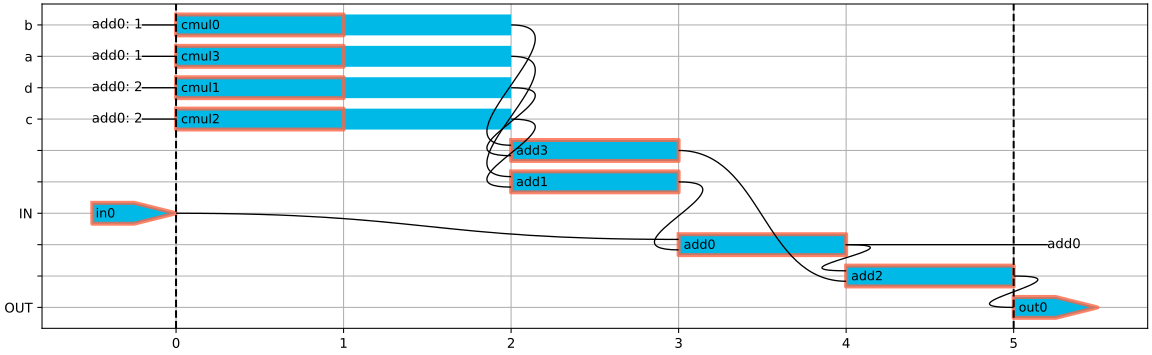
Create schedule
schedule = Schedule(sfg, scheduler=ASAPScheduler(), cyclic=True)
schedule
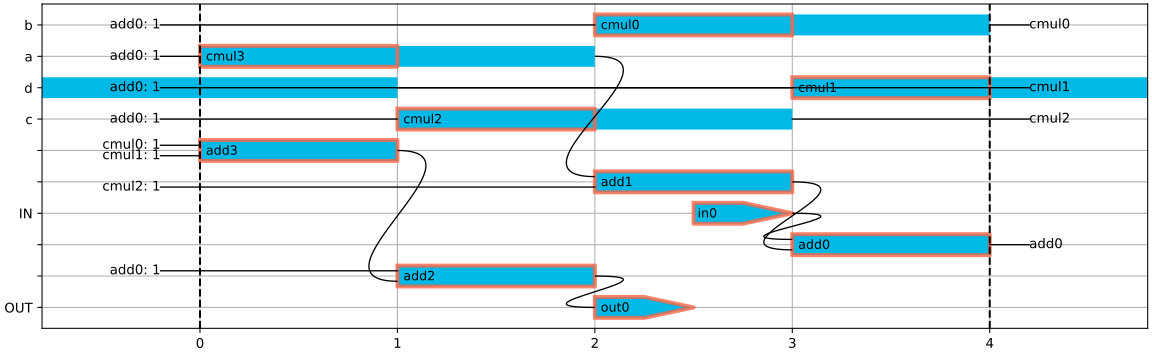
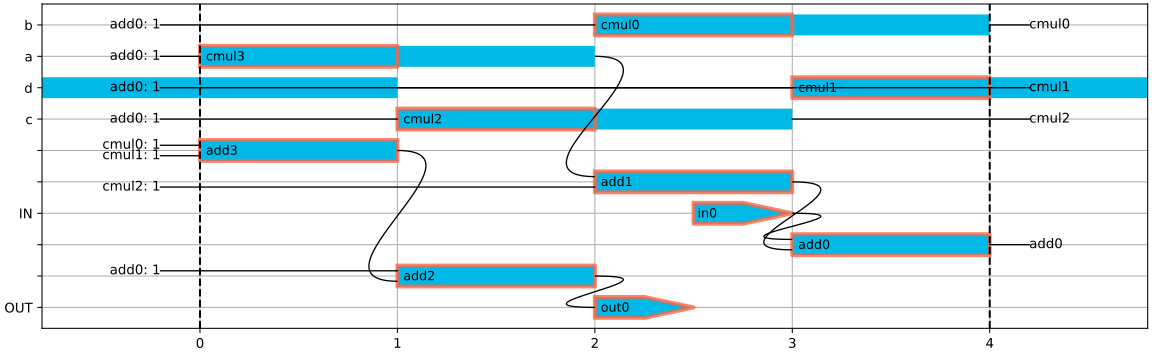
Reschedule to only require one adder and one multiplier
schedule.move_operation('out0', 2)
schedule.move_operation('add2', 2)
schedule.move_operation('cmul2', -3)
schedule.move_operation('add3', 3)
schedule.move_operation('cmul1', -3)
schedule.set_schedule_time(4)
schedule.move_operation('cmul1', 1)
schedule.move_operation('cmul0', 1)
schedule.move_operation('in0', 3)
schedule.move_operation('cmul2', -1)
schedule.move_operation('cmul0', 1)
schedule
Extract operations and create processing elements
operations = schedule.get_operations()
adders = operations.get_by_type_name('add')
adders.show(title="Adder executions")
mults = operations.get_by_type_name('cmul')
mults.show(title="Multiplier executions")
inputs = operations.get_by_type_name('in')
inputs.show(title="Input executions")
outputs = operations.get_by_type_name('out')
outputs.show(title="Output executions")

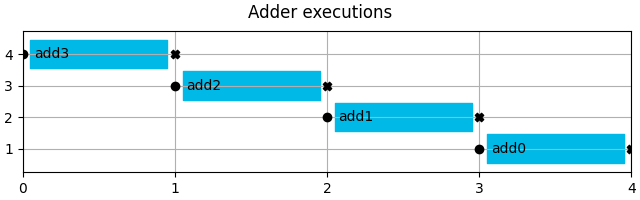
p1 = ProcessingElement(adders, entity_name="adder")
p2 = ProcessingElement(mults, entity_name="cmul")
p_in = ProcessingElement(inputs, entity_name='input')
p_out = ProcessingElement(outputs, entity_name='output')
Extract and assign memory variables
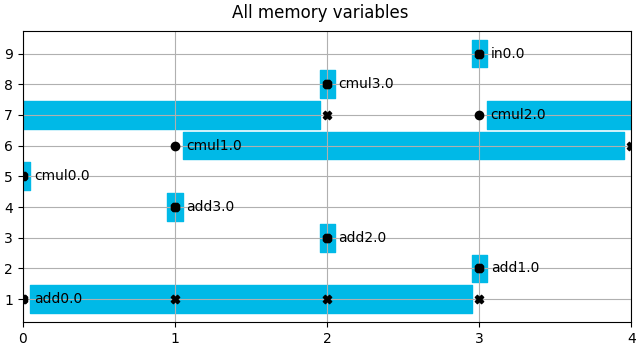
mem_vars = schedule.get_memory_variables()
mem_vars.show(title="All memory variables")
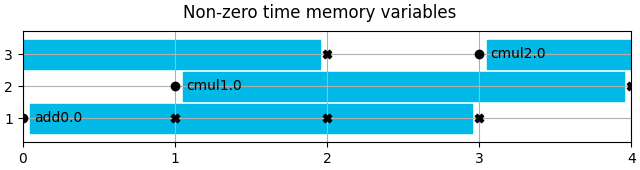
direct, mem_vars = mem_vars.split_on_length()
mem_vars.show(title="Non-zero time memory variables")
mem_vars_set = mem_vars.split_on_ports(read_ports=1, write_ports=1, total_ports=2)

memories = []
for i, mem in enumerate(mem_vars_set):
    memory = Memory(mem, memory_type="RAM", entity_name=f"memory{i}")
    memories.append(memory)
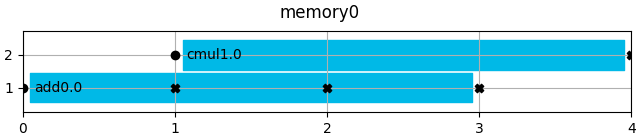
    mem.show(title=f"{memory.entity_name}")
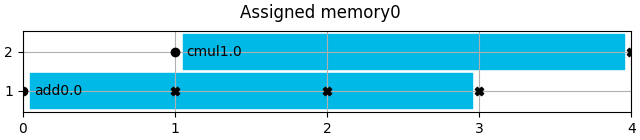
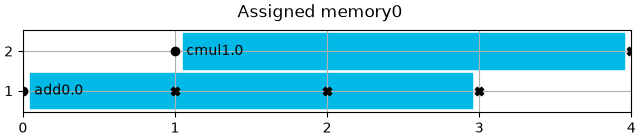
    memory.assign("left_edge")
    memory.show_content(title=f"Assigned {memory.entity_name}")

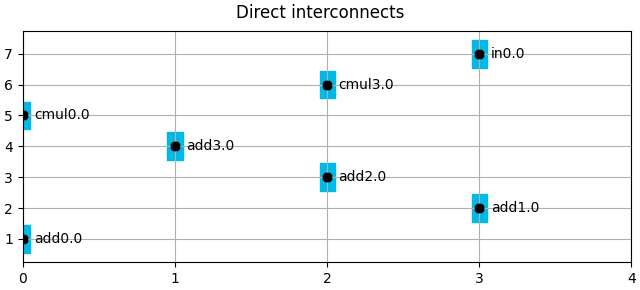
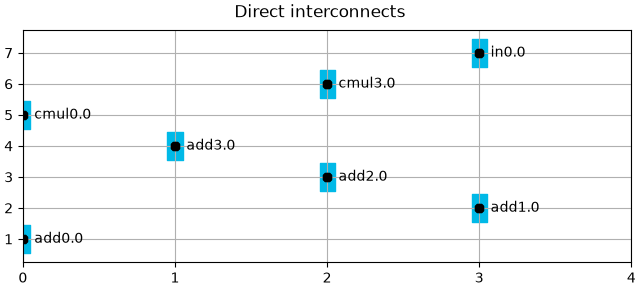
direct.show(title="Direct interconnects")




Create architecture
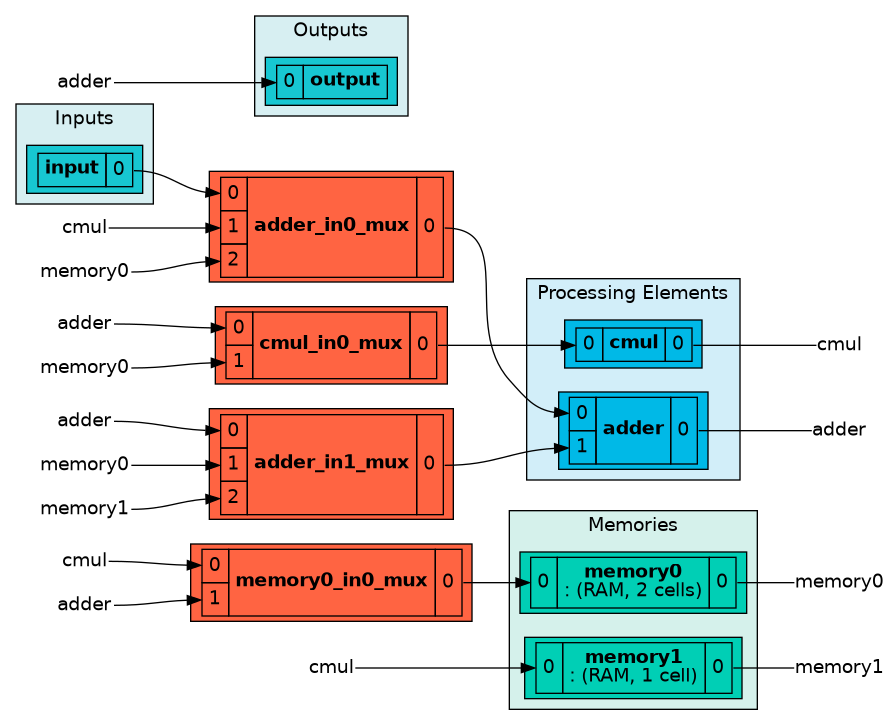
arch = Architecture({p1, p2, p_in, p_out}, memories, direct_interconnects=direct)
The architecture can be rendered in enriched shells.
arch
Total running time of the script: (0 minutes 1.399 seconds)